28
Sep
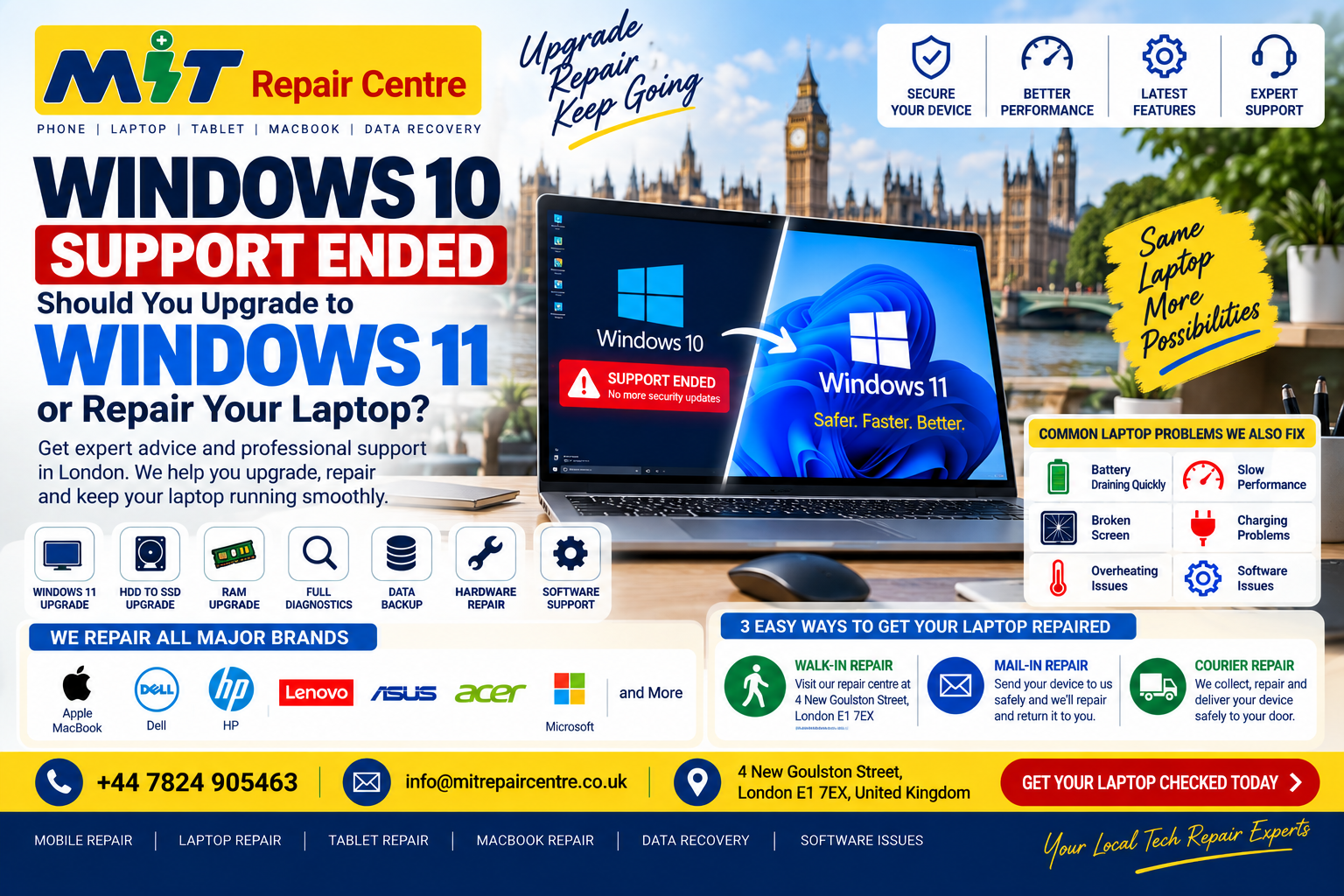
Windows 10 Ended: Should You Upgrade to Windows 11 or Replace Your Laptop in 2026?
Windows 10 Support Has Ended – What Should You Do With Your Laptop?
If your laptop is still running Windows 10, you may have recently seen messages telling you that support has ended or that your computer is no longer receiving normal security updates.
This isn't simply an error message.
Microsoft officially ended support for Windows 10 on 14 October 2025. Windows 10 computers don't suddenly stop working, but Microsoft says standard technical assistance, feature updates, and security updates are no longer provided. Microsoft Support
That leaves many London laptop owners asking an important question:
Should I upgrade to Windows 11, repair my current laptop, or buy a new computer?
The answer depends on the condition and specification of your machine.
If you're unsure, MIT Repair Centre can help customers in London with laptop diagnostics, hardware problems, software issues, and other laptop repair requirements.
Can I Still Use Windows 10 in 2026?
Technically, yes.
Your laptop doesn't automatically stop operating because Windows 10 has reached the end of support.
However, Microsoft explains that unsupported Windows versions no longer receive the regular software and security updates designed to protect PCs against vulnerabilities and malicious software. Microsoft Support
For that reason, simply ignoring the issue indefinitely isn't a good long-term strategy.
You should first determine whether your existing laptop is suitable for Windows 11.
Can My Old Laptop Run Windows 11?
Not every Windows 10 laptop qualifies for a normal Windows 11 upgrade.
Microsoft lists minimum Windows 11 requirements including a compatible processor, at least 4GB RAM, 64GB storage, compatible graphics and other hardware/security requirements. Microsoft Support
Your laptop might therefore fall into one of three situations.
1. Your laptop supports Windows 11
This is the simplest situation.
If your computer is compatible and otherwise working properly, moving to Windows 11 may allow you to continue using your existing hardware rather than immediately purchasing another laptop.
2. Your laptop supports Windows 11 but has hardware problems
Perhaps Windows 11 isn't really your main problem.
Your laptop might also have:
A failing battery
Slow HDD
Low storage
Insufficient memory
Overheating
Damaged screen
Charging problems
Keyboard problems
Software errors
Startup problems
In this situation, diagnosing the hardware before replacing the whole computer can make sense.
3. Your laptop isn't compatible with Windows 11
Some older laptops don't meet Microsoft's Windows 11 requirements.
Microsoft provides a PC Health Check option to help users determine Windows 11 eligibility. Microsoft Support
If your machine isn't compatible, consider its age, specification, physical condition and your requirements before deciding whether to keep, repair or replace it.
My Laptop Is Too Slow for Windows 11 – Do I Need a New One?
Not necessarily.
A laptop feeling slow can have many causes.
For example, poor performance could be related to storage, memory, excessive startup applications, software problems, overheating or other hardware issues.
That's why replacing a computer solely because it has become slow can sometimes be premature.
A proper diagnostic check can help establish whether the machine has a repairable performance problem or whether replacement would make more practical sense.
HDD to SSD Upgrade: Can It Make an Older Laptop Faster?
Older laptops may still use a traditional hard disk drive (HDD).
Where a particular laptop supports it, moving from an HDD to an SSD can significantly improve storage responsiveness.
Users commonly notice improvements in tasks such as:
Starting Windows
Opening applications
Accessing files
General system responsiveness
However, compatibility varies between laptops.
Before purchasing components, identify the exact laptop model and determine which storage configuration it supports.
Should I Upgrade My RAM?
RAM can affect performance when you have several browser tabs or applications running simultaneously.
Microsoft's minimum RAM requirement for Windows 11 is 4GB, but minimum requirements shouldn't automatically be treated as the ideal configuration for every workload. Microsoft Support
Your actual requirements depend on what you use the laptop for.
Someone browsing the web has different needs from somebody using development software, large spreadsheets, video editing applications or design tools.
Also, RAM isn't upgradeable on every modern laptop because some machines have memory permanently attached to the motherboard.
Have the model checked before buying RAM.
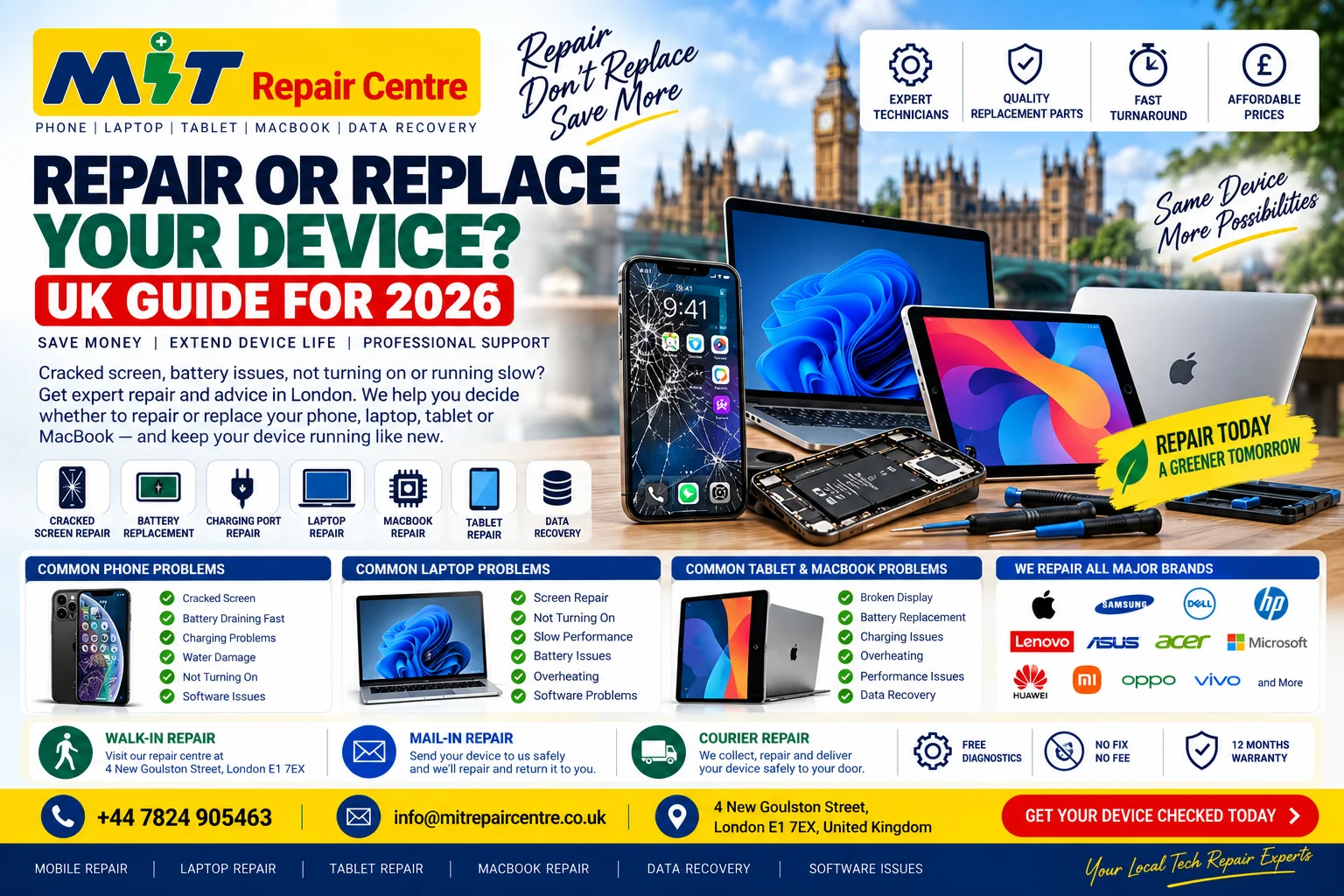
Repair or Replace Your Laptop in 2026?
Before spending money on a new laptop, consider what is actually wrong with your existing one.
Repair may make sense when:
Your laptop still performs the tasks you need, but has an isolated problem such as:
Broken screen
Weak battery
Charging issue
Keyboard fault
Storage problem
Software problem
Overheating
Replacement may make more sense when:
The machine is very old, cannot support the software you need, has several significant hardware faults, or upgrading it wouldn't provide adequate performance.
There isn't one answer for every laptop.
The important point is to make the decision based on the actual condition of the machine, rather than assuming every Windows 10 computer must immediately be thrown away.
Interestingly, current UK government guidance is also promoting a “reuse first” approach for IT assets such as laptops and smartphones where appropriate. GOV.UK
Don't Forget Your Data Before Upgrading or Repairing
Your files may be more valuable than the computer itself.
Before making major operating-system or storage changes, make sure important information is appropriately backed up.
This may include:
Family photos
Business documents
University work
Customer files
Videos
Accounts and records
Project files
Personal documents
Microsoft also recommends backing up files and data when preparing for a Windows 11 upgrade. Microsoft Support
If a storage device is already failing or files have become inaccessible, avoid unnecessary experimentation.
MIT Repair Centre also provides data recovery services in London for HDDs, SSDs and external storage devices.
Windows 11 Upgrade & Laptop Help Near Me in London
If you've searched Google for:
“Windows 11 upgrade near me”
“laptop repair near me”
“computer repair near me”
“laptop repair London”
“computer repair Whitechapel”
MIT Repair Centre is located at:
4 New Goulston Street, London E1 7EX
Our location is convenient for customers around Whitechapel, Aldgate, Aldgate East, Liverpool Street and surrounding East London areas.
Problems Worth Checking Before Upgrading
If your laptop already has problems, consider having them diagnosed before making major software changes.
Laptop overheating
A laptop becoming unusually hot or shutting down unexpectedly may have a cooling-related problem.
Battery draining quickly
An ageing battery can dramatically reduce how long a laptop works away from its charger.
Laptop won't turn on
A machine that won't start requires diagnosis before worrying about an operating-system upgrade.
Broken laptop screen
A cracked, flickering or black display may be a display-related hardware problem rather than a Windows issue.
Laptop won't charge
Charging problems can involve the charger, port, battery or internal hardware.
Very slow laptop
Storage, memory, software and hardware conditions can all affect performance.
Three Ways to Get Your Laptop Checked
MIT Repair Centre offers three convenient repair options:
Walk-in Repair – Bring your laptop directly to our London repair centre.
Mail-in Repair – Send your device to us for inspection and repair.
Courier Repair – Use the courier option when visiting the repair centre isn't convenient.
For local customers, visiting the shop allows you to explain the problem and symptoms directly.
Frequently Asked Questions
Has Windows 10 really ended?
Yes. Microsoft ended Windows 10 support on 14 October 2025. Windows 10 PCs continue to operate, but Microsoft's standard security updates, software updates and technical assistance have ended. Microsoft Support
Will my Windows 10 laptop suddenly stop working?
No. Microsoft specifically states that Windows 10 computers will continue to function after support ends. Microsoft Support
Can I upgrade Windows 10 to Windows 11?
Potentially. Your PC needs to meet Microsoft's Windows 11 requirements. Microsoft recommends checking eligibility through Windows Update or its PC Health Check tool. Microsoft Support
Should I buy a new laptop because Windows 10 ended?
Not automatically. First determine whether your laptop supports Windows 11 and assess its overall hardware condition and your performance requirements.
Can an old laptop be made faster?
Sometimes. The solution depends on why the computer is slow. Storage, memory, software and other hardware issues can affect performance, so diagnosis should come before purchasing upgrades.
Where can I get my laptop checked near Whitechapel?
MIT Repair Centre is located at 4 New Goulston Street, London E1 7EX, convenient for Whitechapel, Aldgate and surrounding East London areas.
Can you help if my laptop has important files?
MIT Repair Centre also provides data recovery services for HDDs, SSDs and external storage devices. Recovery possibilities depend on the condition of the storage device.
Need Help With Your Windows Laptop in London?
If your Windows 10 laptop is showing end-of-support warnings, running slowly or suffering from hardware problems, don't automatically assume you need to replace it.
Find out what's actually wrong first.
MIT Repair Centre
📍 4 New Goulston Street, London E1 7EX
📞 +44 7824 905463
✉️ info@mitrepaircentre.co.uk
🌐 MIT Repair Centre
Laptop Repair • Windows Issues • Screen Repair • Battery Problems • Data Recovery
Walk-in • Mail-in • Courier Repair

Leave A Comment
By using form u agree with the message sorage, you can contact us directly now